New Doctrine Project
This tutorial shows how simple it is to start a new project using Skipper. We are going to create Doctrine ORM project with two bundles and four entities. Export of the created project to Doctrine .yml schema definition files is also part of this tutorial.
Hint: See the ORM Model basics for detailed description of ORM elements (e.g. bundle, entity).
New project
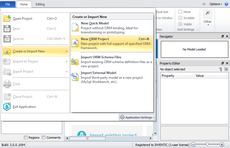
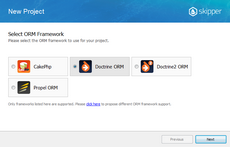
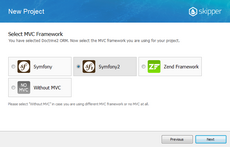
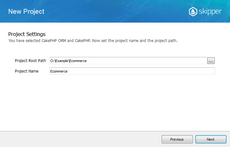
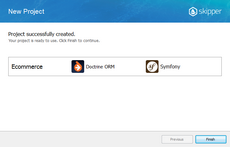
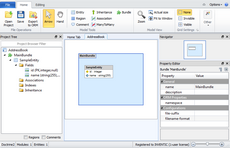
First step is to create a new project with Doctrine ORM framework support. Simply select the New ORM Project from File menu and follow the steps shown in the pictures below.
Application model design
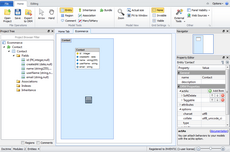
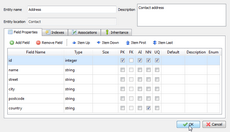
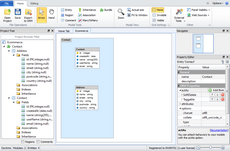
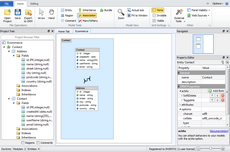
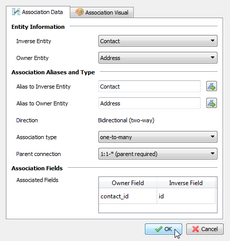
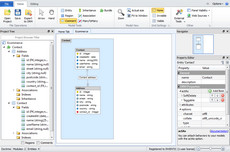
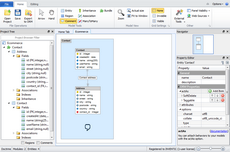
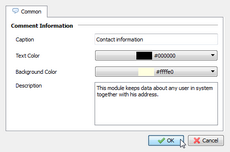
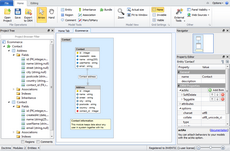
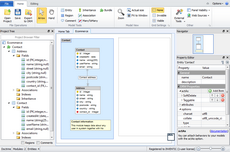
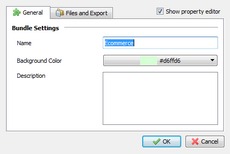
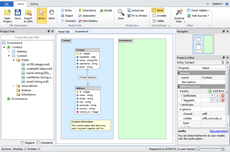
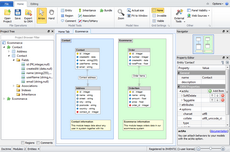
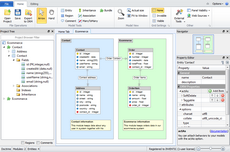
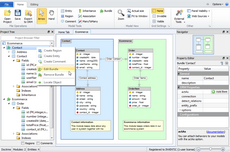
Now we are going to design a simple application with two bundles and four entities. The first bundle will serve as contact records, the second bundle as ecommerce logic. Contact bundle keeps data about customers and their addresses, ecommerce bundle keeps data about orders and their items. Ecommerce order also has a relation with contact to store order owner. You can do it this way:
Export model
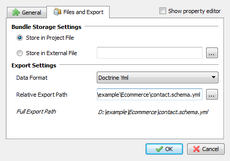
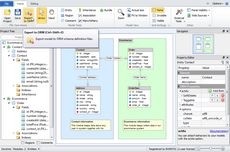
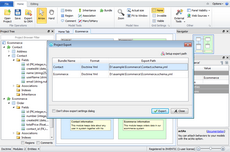
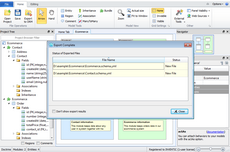
Now you have created the application model. Next step is to export it to Doctrine schema definition files. Before Skipper generates all files for you, it is necessary to configure schema file destinations and export formats.
In Skipper, each bundle represents single exportable element. This means that now we are able to export two schema definition files, one for Contacts and one for Ecommerce bundle. Each bundle can have its own export path, which is relative to project root directory and its own export format. For Doctrine ORM it is YML.
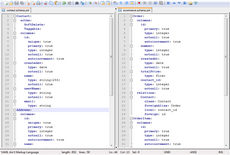
And here is an example of Address entity. As you can see, everything is well formatted and exported in Doctrine YML format.
Address:
  actAs:
    SoftDelete:
    Taggable:
  columns:
    id:
      unique: true
      primary: true
      type: integer
      notnull: true
      autoincrement: true
    name:
      type: string
    street:
      type: string
    city:
      type: string
    postcode:
      type: string
    country:
      type: string
      notnull: true
    contact_id:
      type: integer
      notnull: true
  relations:
    Contact:
      class: Contact
      foreignAlias: Address
      local: contact_id
      foreign: id
Conclusion
This short tutorial shows that to create new project and export it to schema definition files takes no more than five minutes in Skipper (if it is your first try, it may take little longer). Compare it with manual writing of such small project, and the acceleration of work is breathtaking. And in addition, you can concentrate only on the creative part of your work.